

Day-one access.
No inbox required.
Most of your workforce doesn't have a corporate email. With Connect Frontline, that's not a problem. Give every team member secure access to your workplace platforms. No email needed and no manual setup.

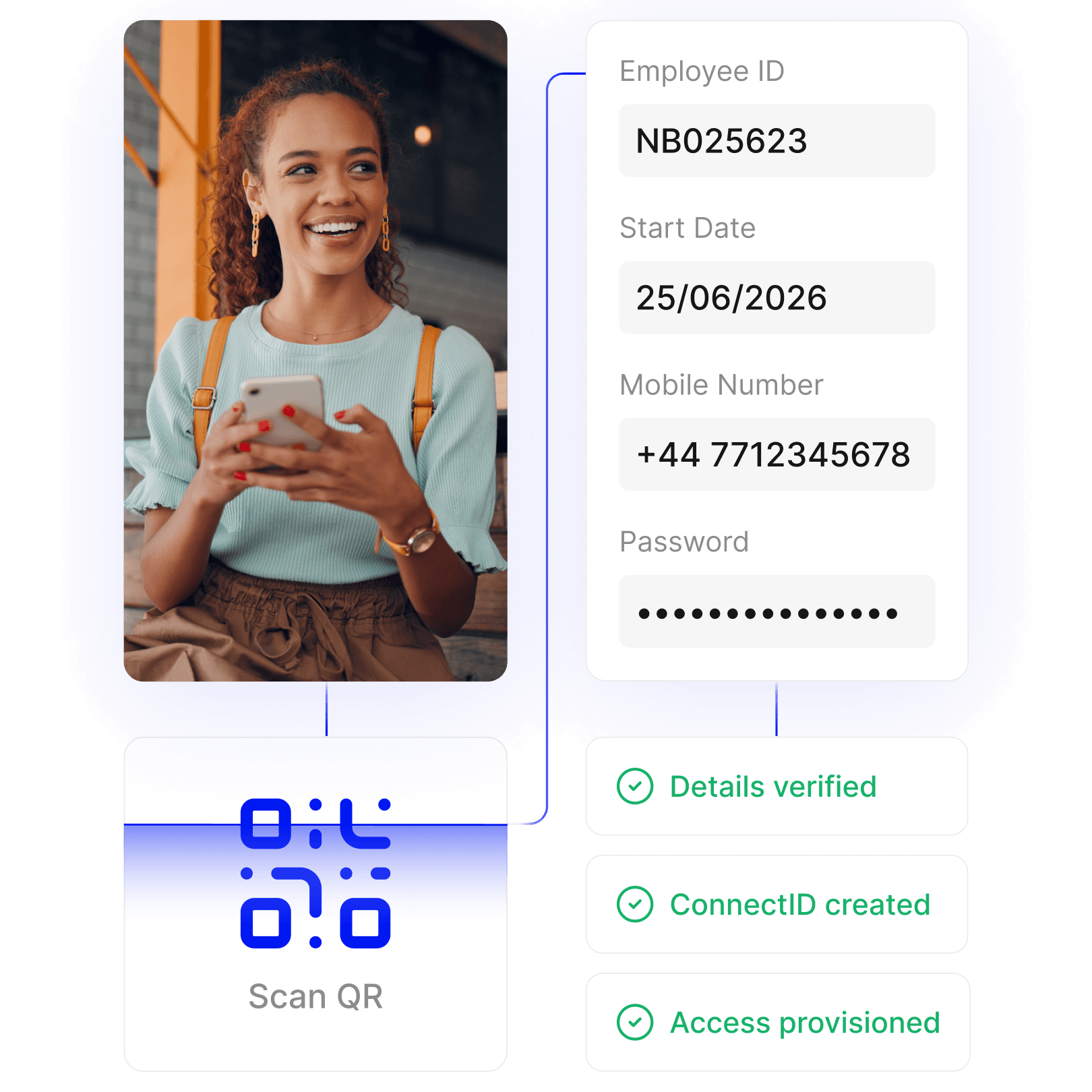

Ready from day one
From the first shift, every team member has access to the platforms they need. No inbox required, no pressure on IT, no delays.

Self-serve setup
The self-service setup process is simple enough to do on a personal device during onboarding. A few details, a secure password, and they're in.

One process for all
The same activation process works whether someone is a seasonal hire, a contractor or a permanent team member, across every site, brand and location.
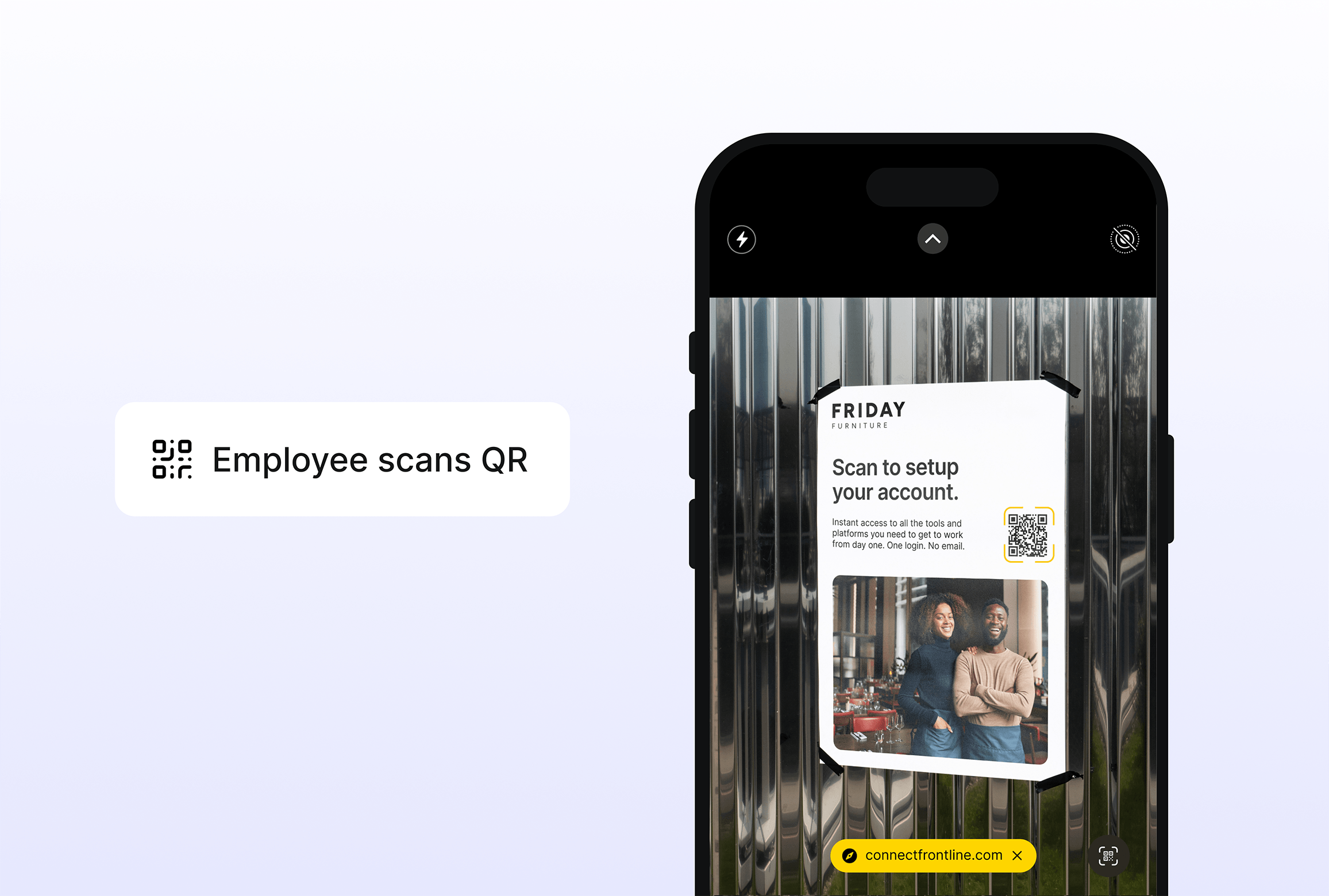
Scan the code
QR code is shared during onboarding, through printed packs or directly by a hiring manager. Team members scan it on their own device, wherever they are, to start the account setup process.
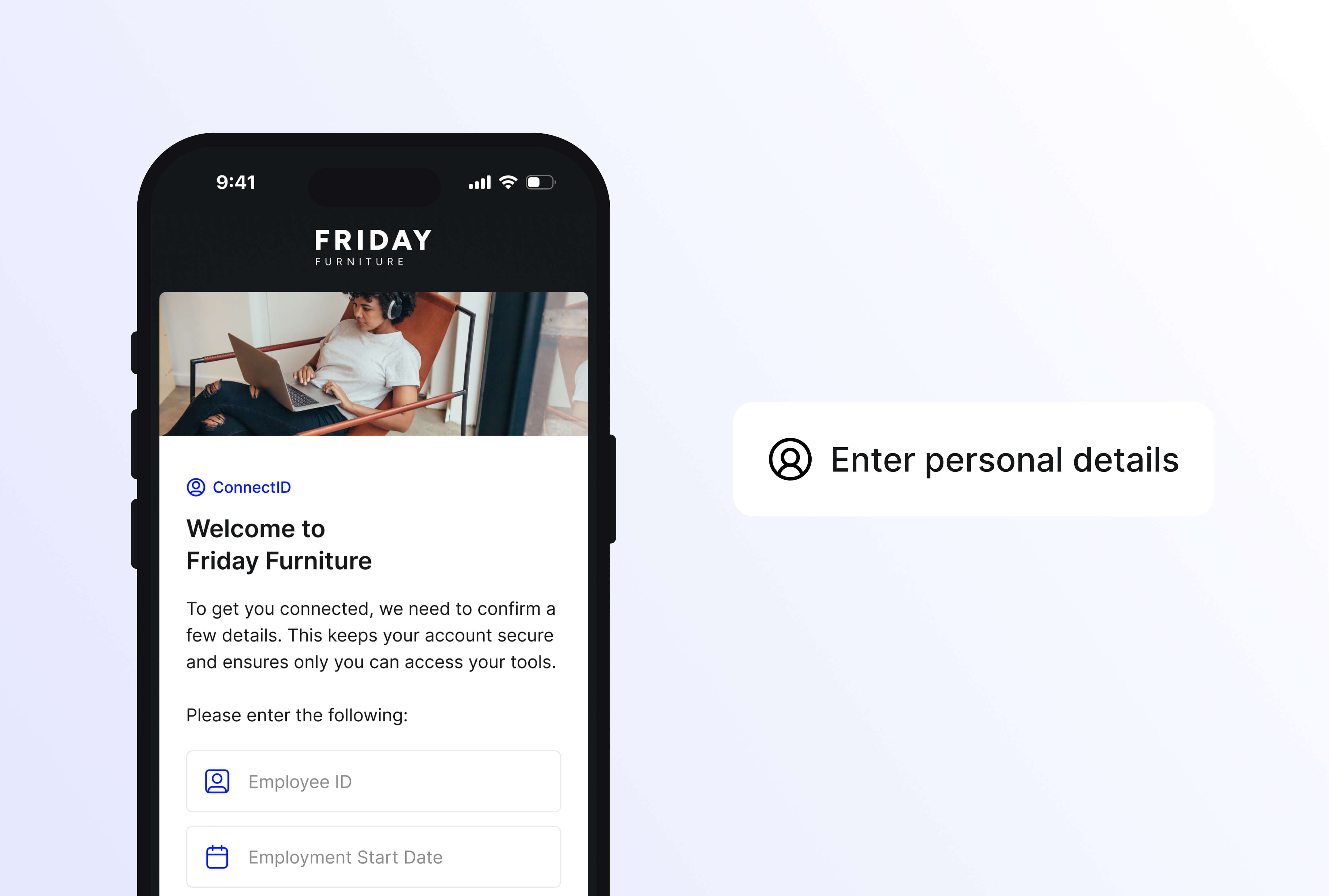
Confirm a few details
The team member enters a few personal details which are then verified against your HR system. Ensuring only the right people have access to the right platforms.
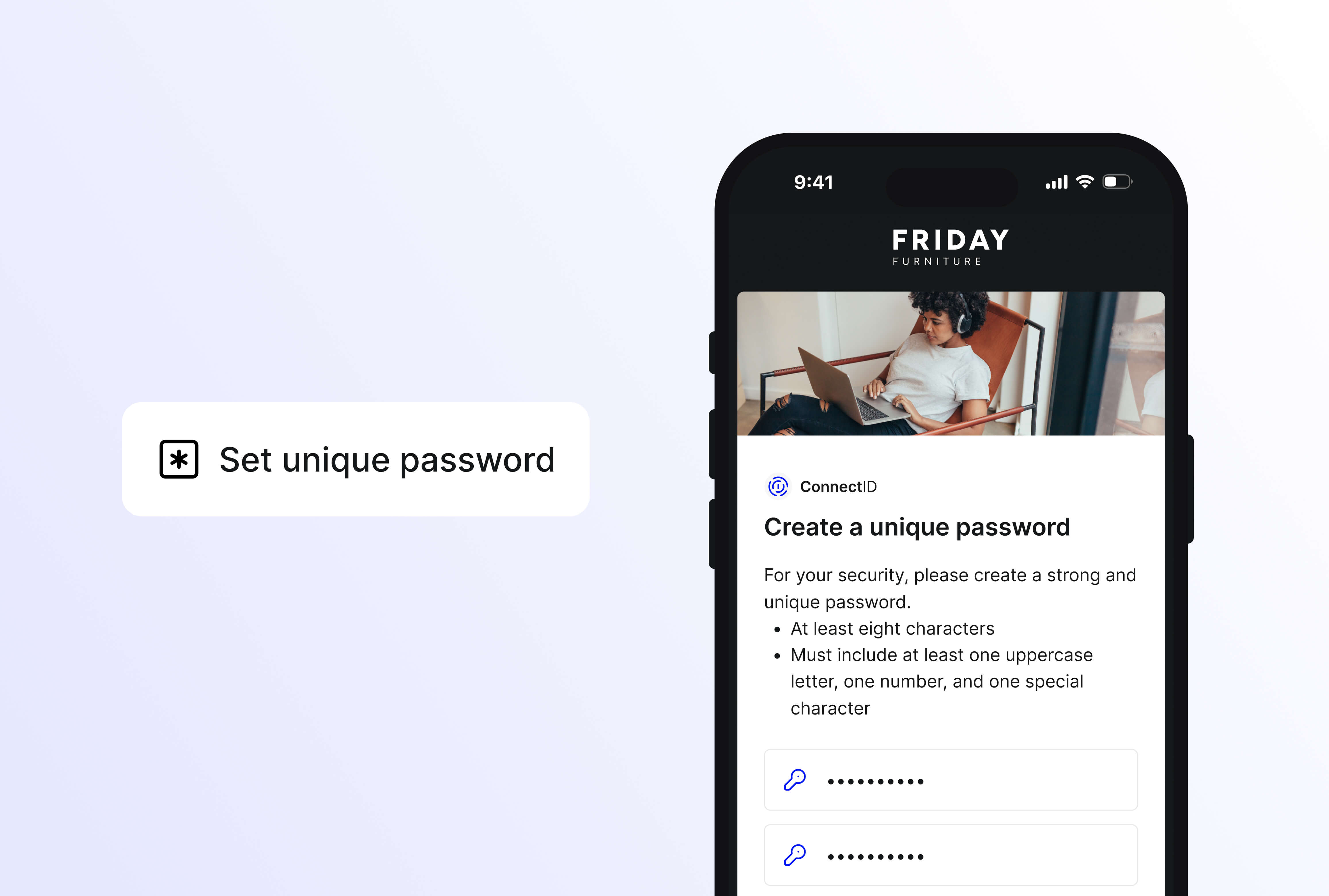
Choose a password
Once the details are verified, the team member is assigned a ConnectID and sets their own password.
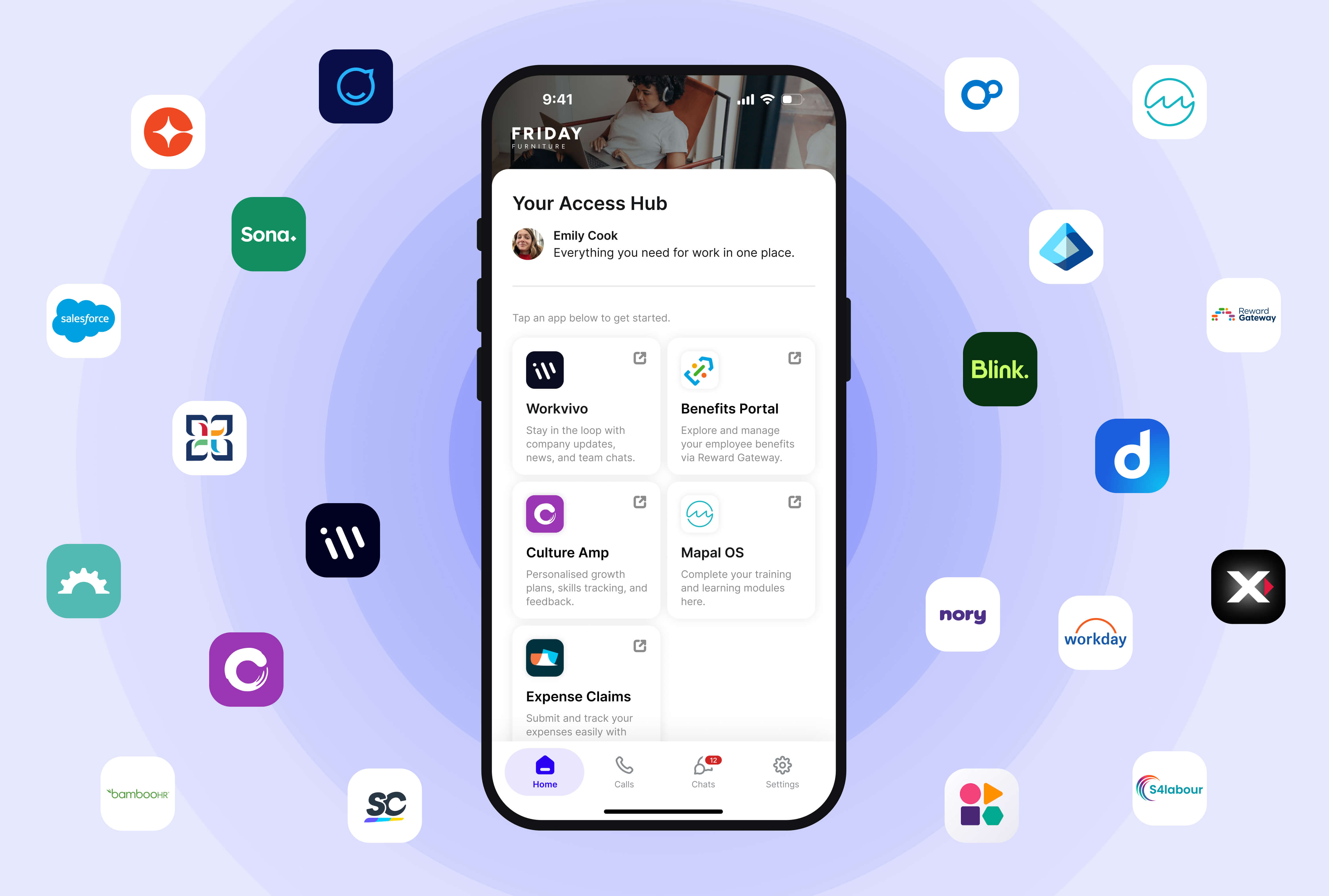
Access Hub
Every platform their role requires, ready and waiting in the Access Hub. From comms and learning to rostering and payroll, all their workplace platforms are accessible from day one, with no need to manually provision accounts across systems.

Controlled distribution
QR codes are issued through trusted onboarding channels, printed packs and hiring managers, not posted publicly.

Identity verification
Scanning the QR code doesn't immediately grant access on its own. Details entered during the account setup process are checked against your HR record before a ConnectID is issued.

Role-based provisioning
Even after verification, the worker only gets access to the platforms their role and location entitle them to. No blanket access, no shared logins.

"Whether you have an email identity or not, you exist in the platform. It’s become our single source of truth - and the key to connecting every employee across Ennismore."
